The editor you can
read in an afternoon.
A small, beautiful code editor in the spirit of Atom. Every feature is a package, and you can change any of them while it runs.
macOS (Apple Silicon & Intel) · Windows · Linux · free and open source
curl -fsSL https://mikemich.github.io/minimide/install.sh | sh
Your editor should be yours.
Atom made hacking your tools feel fun. Editors have since grown into platforms nobody fully understands: you can configure them, but you can't really change them. Minimide is small enough to own.
Lines in the core
Plain JavaScript. No framework, no build magic. Every line that runs is one you can read.
Built-in packages
Tree view, git, terminal, language servers, Vim, themes, even settings: all on the same public API you get.
Restarts to see a change
Save a package, your stylesheet or keymap and it reloads instantly. Tweak the editor while you use it.
A new feature is a few lines.
Packages are plain ES modules with access to commands, keybindings, settings, panels, the terminal, language servers and CodeMirror itself.
- Run Packages: Create New Package from the command palette.
- Write some code. The full API is documented in one page.
- Save. It's live, and everything cleans itself up when you turn it off.
// ~/.minimide/packages/word-goal/index.js
export function activate(mide) {
  const label = mide.ui.h('span');
  mide.statusBar.addItem({ element: label, align: 'right' });

  mide.workspace.onDidUpdateEditor((editor) => {
    const words = editor.getText().split(/\s+/).length;
    label.textContent = `✍️ ${words} / 500`;
  });

  mide.commands.add('word-goal:reset', 'Reset Goal', () =>
    mide.notify.success('Fresh start!'));
}
Small, not bare.
Simple by default, with power tools a keystroke away.
file:line output.file:42.:w and :q. Off until you want it.Beautiful by default.
19 themes, 27 fonts and any accent color, built in. A theme is one CSS file of variables: write your own in minutes.
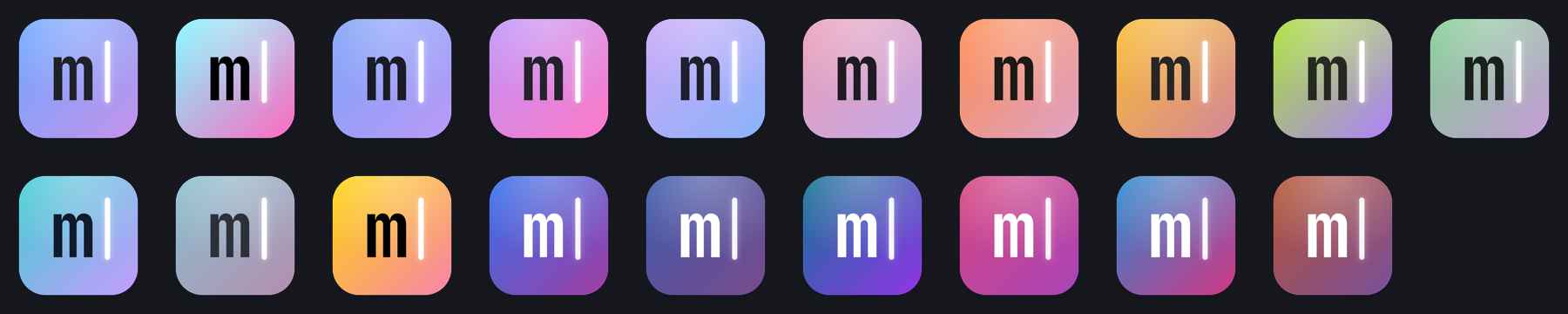
Even the icon is yours. The Dock icon is drawn from your theme, accent color and editor font, and changes the moment you switch.
Safe to share.
Install other people's packages without handing them your computer. Atom's packages could do anything; Minimide's run in a sandbox.
Sandboxed by default
Installed packages run in an isolated worker with no access to your files, programs or the internet.
You approve permissions
A package that needs more asks for it, like “read files in this project” or “use the network”, and you see the list before installing.
Install from GitHub
Browse Settings → Packages → Discover or install any owner/repo. Publish yours with the minimide-package topic.
Make it yours.
Download it, read it, change it. Then show us what you built.
curl -fsSL https://mikemich.github.io/minimide/install.sh | sh